Stay in the loop
Get the latest news, feature updates, and exclusive promotions.
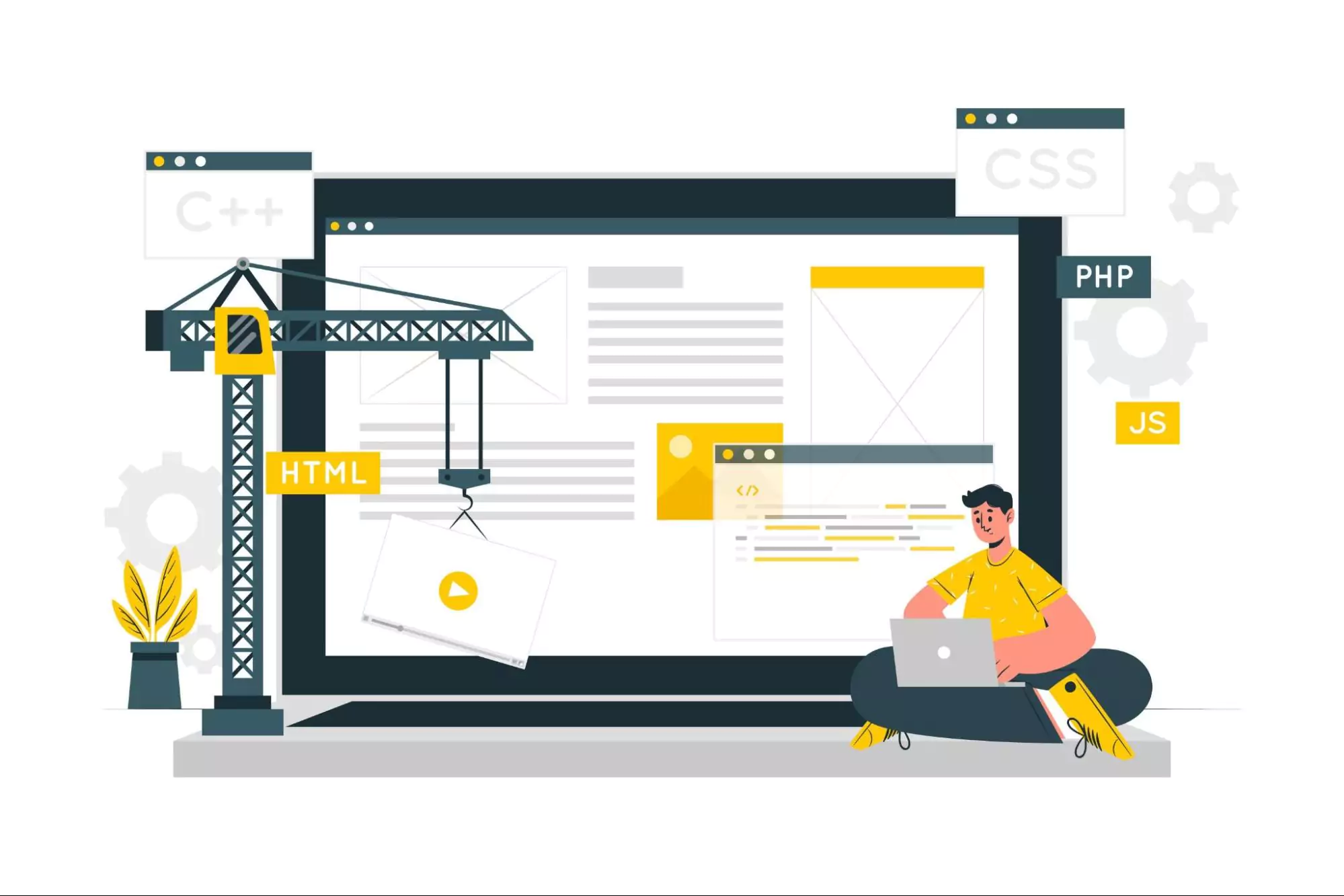
Discover the best construction project management software for builders, contractors, and subcontractors in 2026, features & pricing.
Looking for the best construction project management tools in 2026?
Tired of missed deadlines, team confusion, or going over budget?
Managing construction projects is tough. Labor shortages, high material prices, and teams spread across different locations make things more stressful. That’s why having the right construction project management software is so important.
In this guide, we’ll compare the 10 best tools for 2026. You’ll see features, pricing, pros and cons, and who each tool is best for, whether you’re a remodeler, commercial builder, or subcontractor.
Construction project management software helps builders plan, track, and complete jobs more easily. These tools handle tasks like:
In 2026, these tools are a must-have because:
🔍 Expert Opinion:
According to Cloud Interactiv, software that supports remote work and real-time updates is now essential.
Make sure your software includes:
✅ Pro Tip:
Always check for mobile apps. On-site teams need fast access from their phones.
|
Company Type |
Needs |
Best Features |
|
Small Contractors |
Simple, low-cost tools |
Mobile app, basic cost tracking |
|
Large Contractors |
All-in-one software |
BIM, scheduling, deep integrations |
|
Residential Builders |
Homeowner-focused features |
CRM, budgeting, and client communication |
|
Commercial Builders |
Complex team coordination |
RFIs, document control, scheduling |
|
Subcontractors |
Field-friendly tools |
Time tracking, mobile use, punch lists |
🔍 Expert Tip:
According to Gartner, mobile-first and cloud-based software are now industry standards.
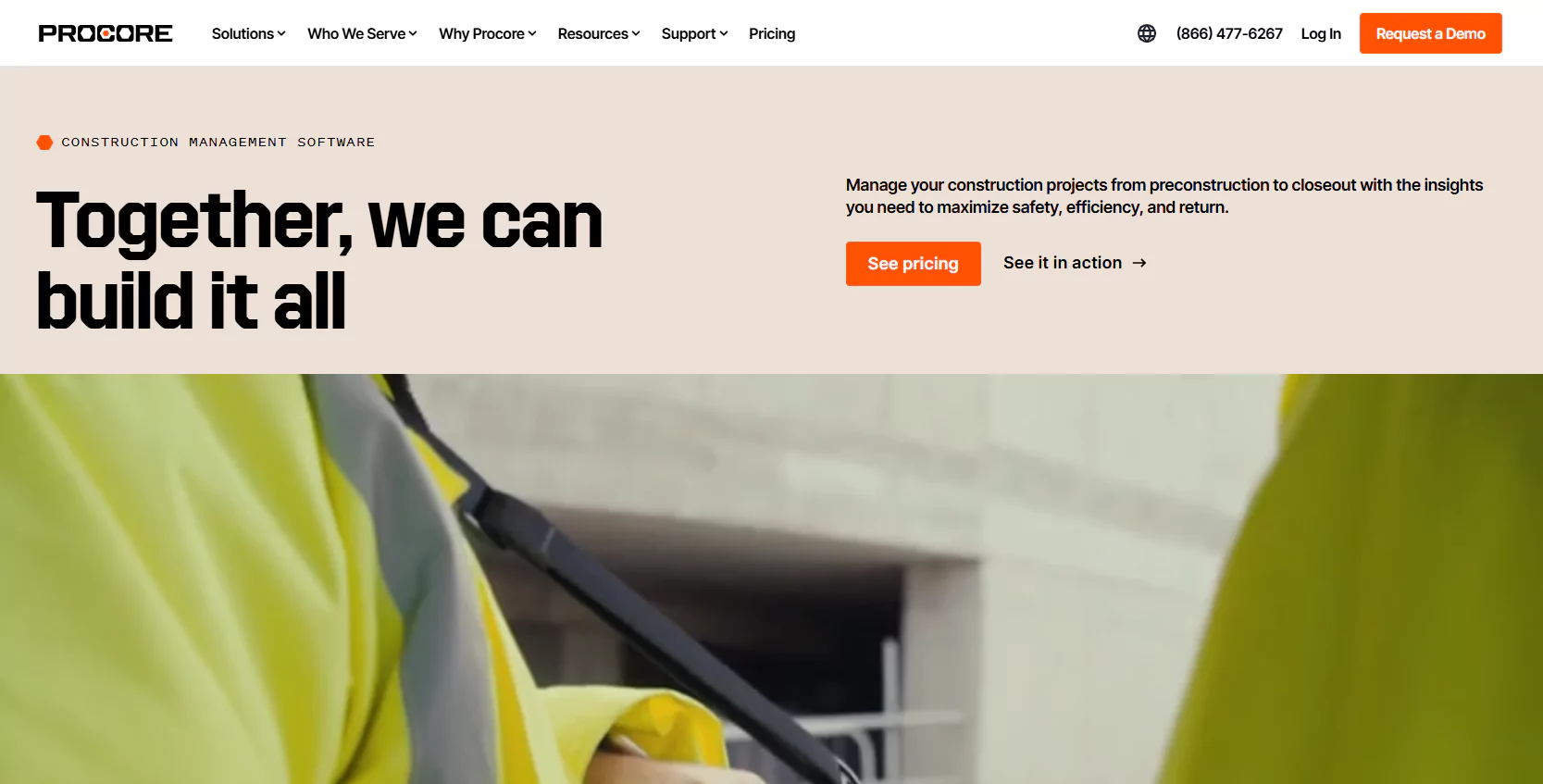
Best For: Large Commercial Contractors
Key Features:
Pricing: Custom plans
Mobile App: Yes
👍 Pros:
👎 Cons:
🧠 Expert Insight:
Procore is the most widely used platform for large projects, according to ForConstructionPros.
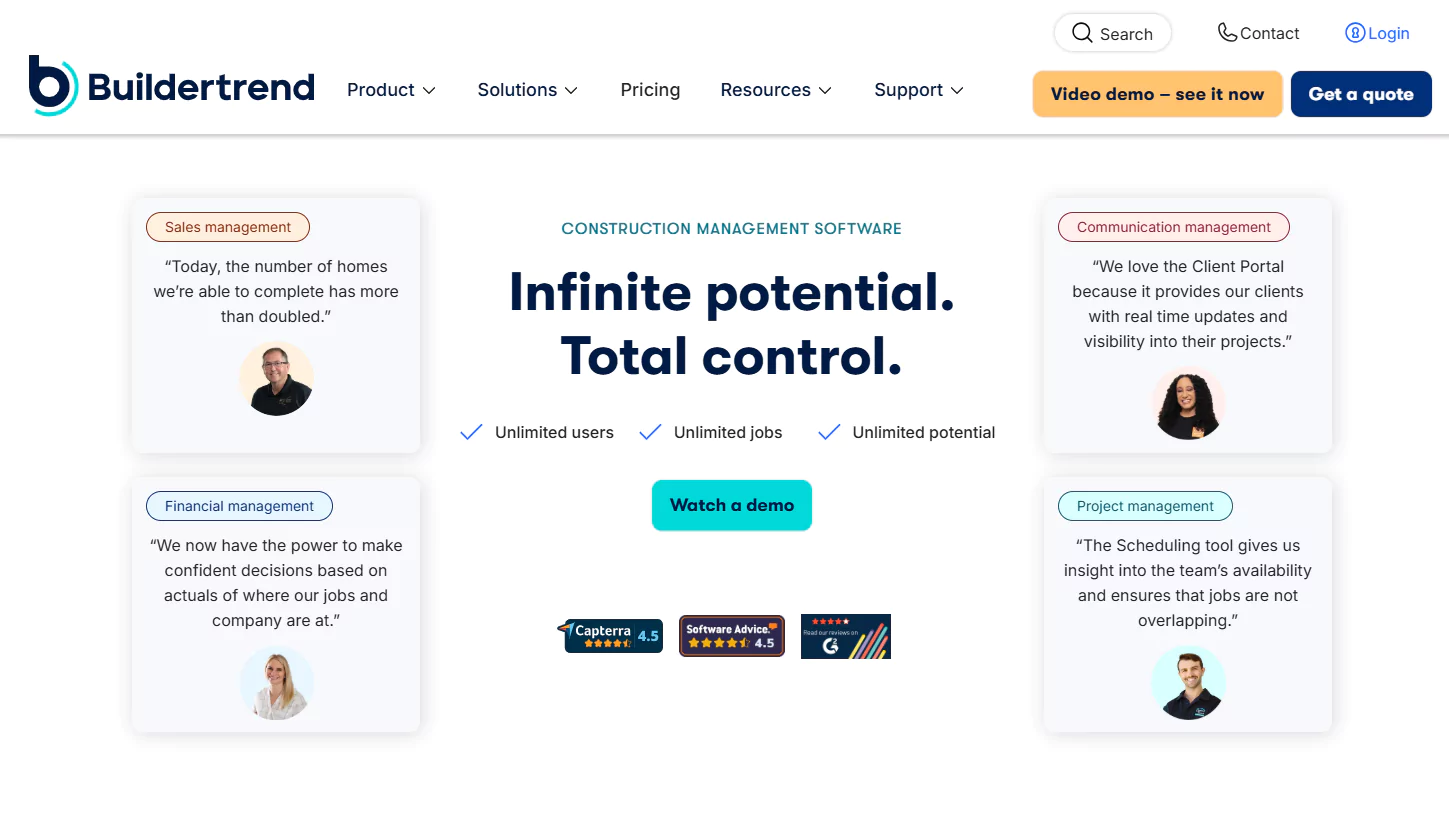
Best For: Home Builders and Remodelers
Key Features:
Pricing: Starts at $399/month
Mobile App: Yes
👍 Pros:
👎 Cons:
✅ Pro Tip:
Buildertrend shines in client communication. Great if you want homeowners to stay informed.
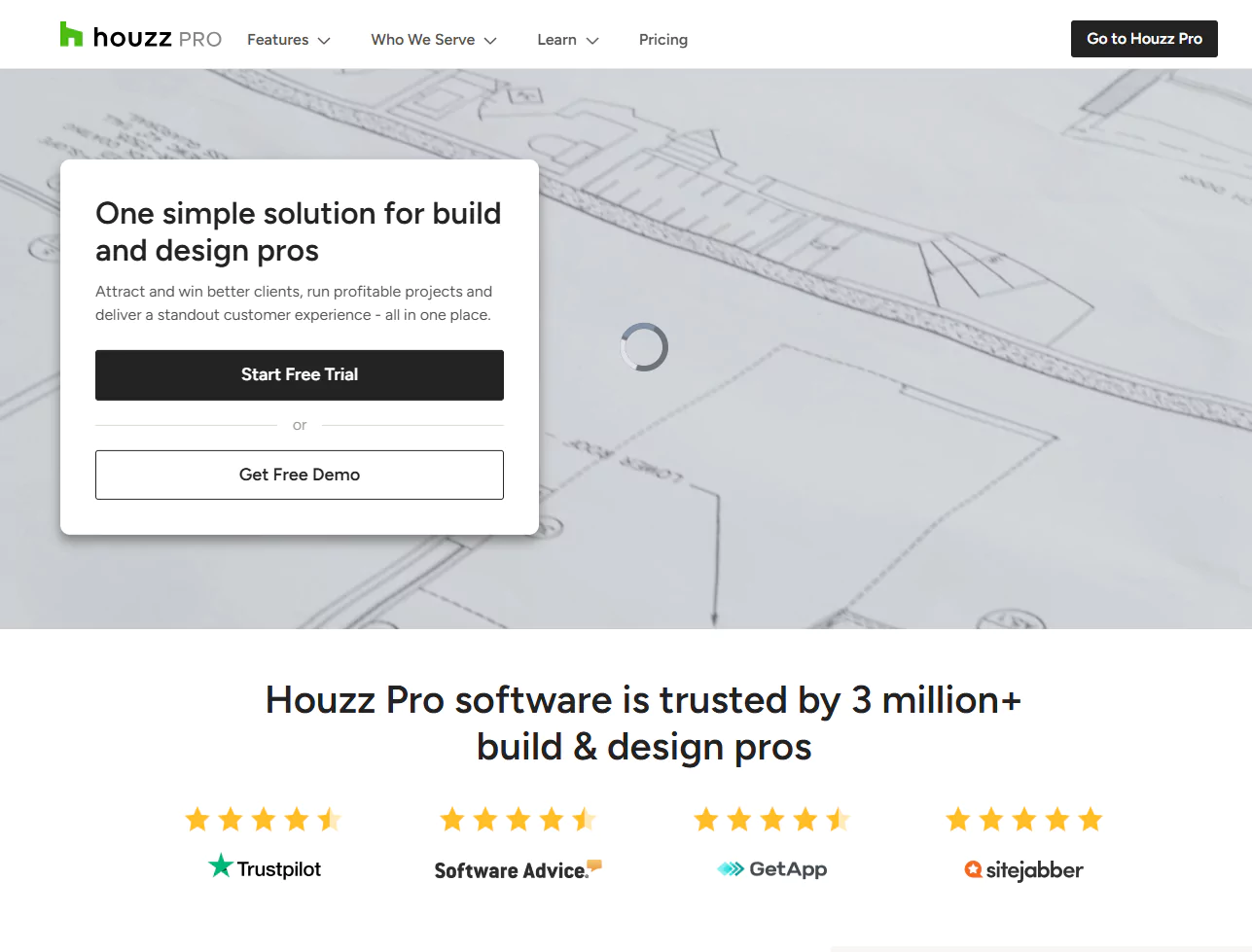
Best For: Solo Contractors & Design-Build Firms
Key Features:
Pricing: $65–$199/month
Mobile App: Yes
👍 Pros:
👎 Cons:
🧠 Expert Opinion:
“Houzz Pro is a perfect fit for solopreneurs who want to keep design and client management in one place.” — Randy Deutsch, FAIA, Construction Tech Educator
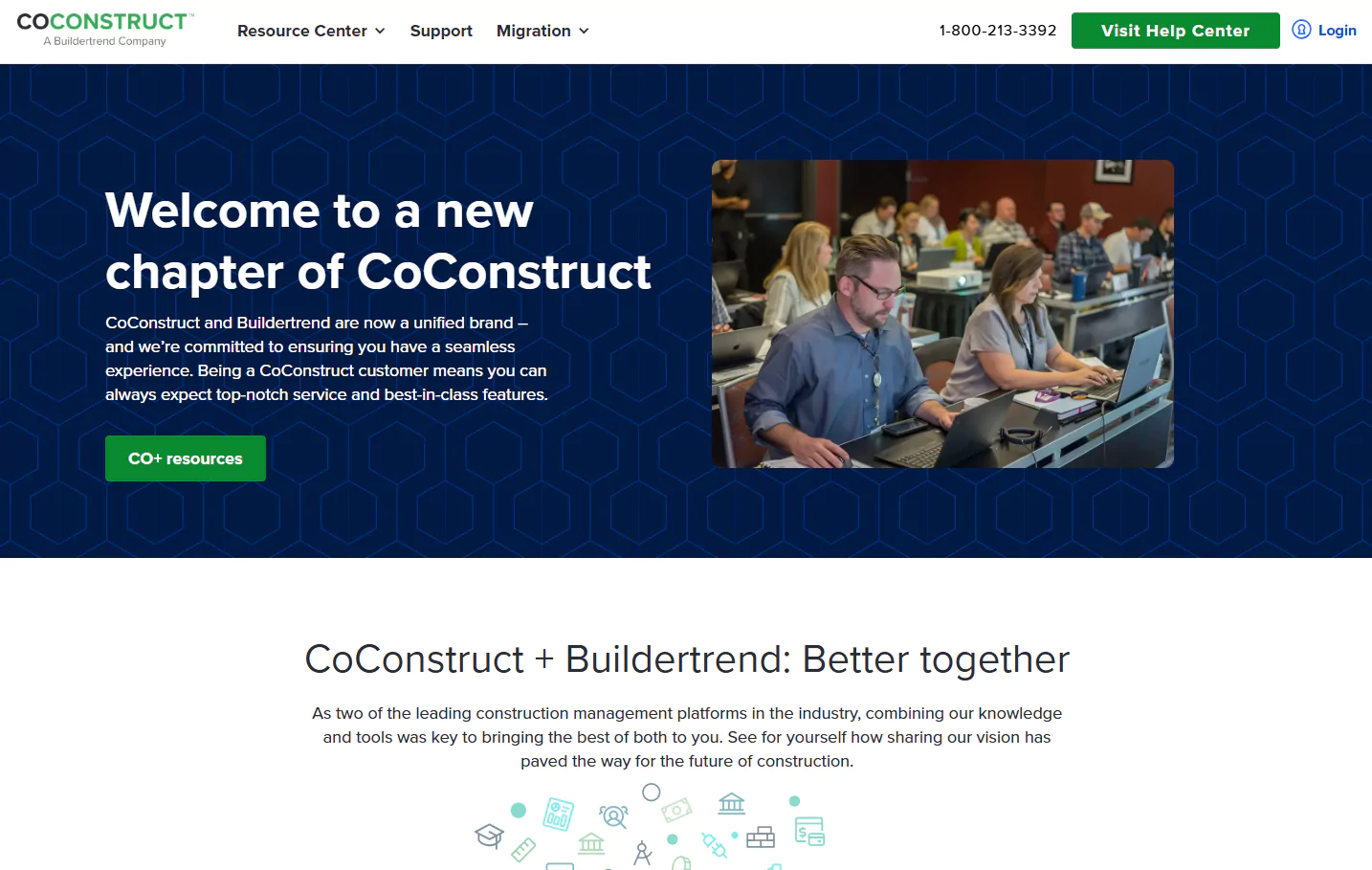
Best For: Custom Home Builders
Key Features:
Pricing: From $99/month
Mobile App: Yes
👍 Pros:
👎 Cons:
✅ Pro Tip:
Use CoConstruct if you need homeowners to make decisions like materials and colors inside the app.
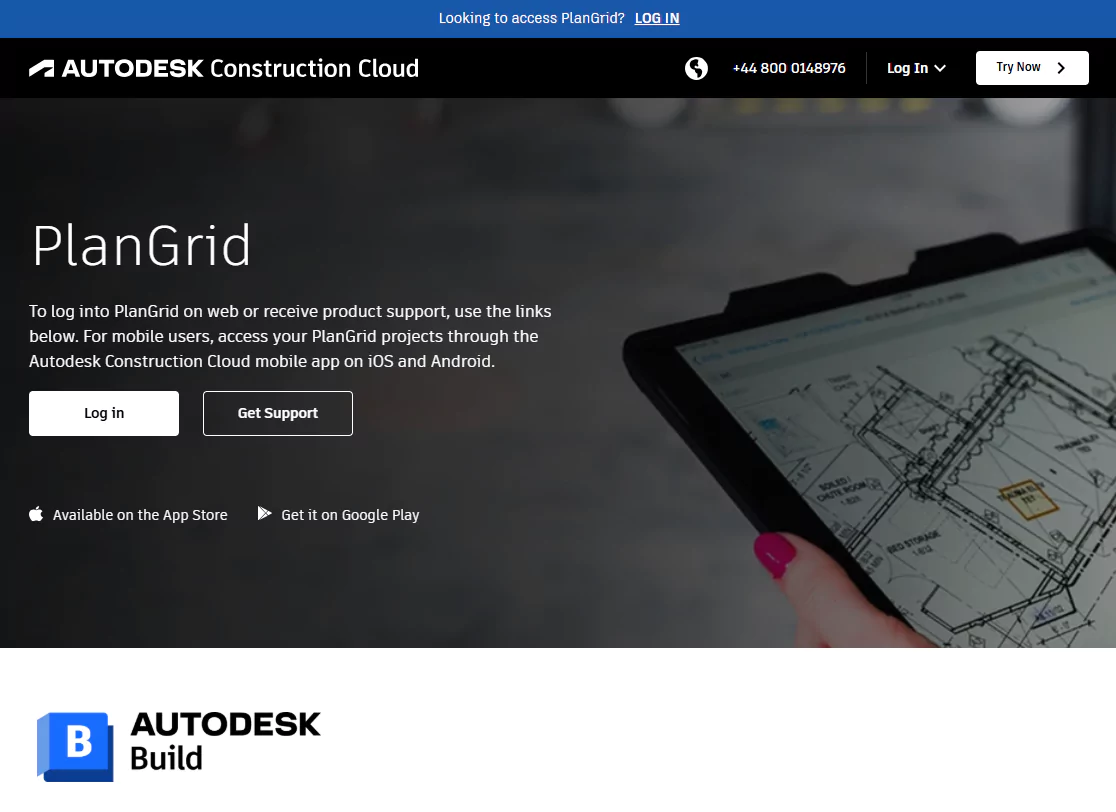
Best For: Field Crews Needing Easy Drawing Access
Key Features:
Pricing: From $39/user/month
Mobile App: Yes
👍 Pros:
👎 Cons:
🧠 Expert Note:
“PlanGrid helps jobsite teams share blueprints and photos instantly. It’s made for people with boots on the ground.” — John M. Tocci, Senior Construction Consultant
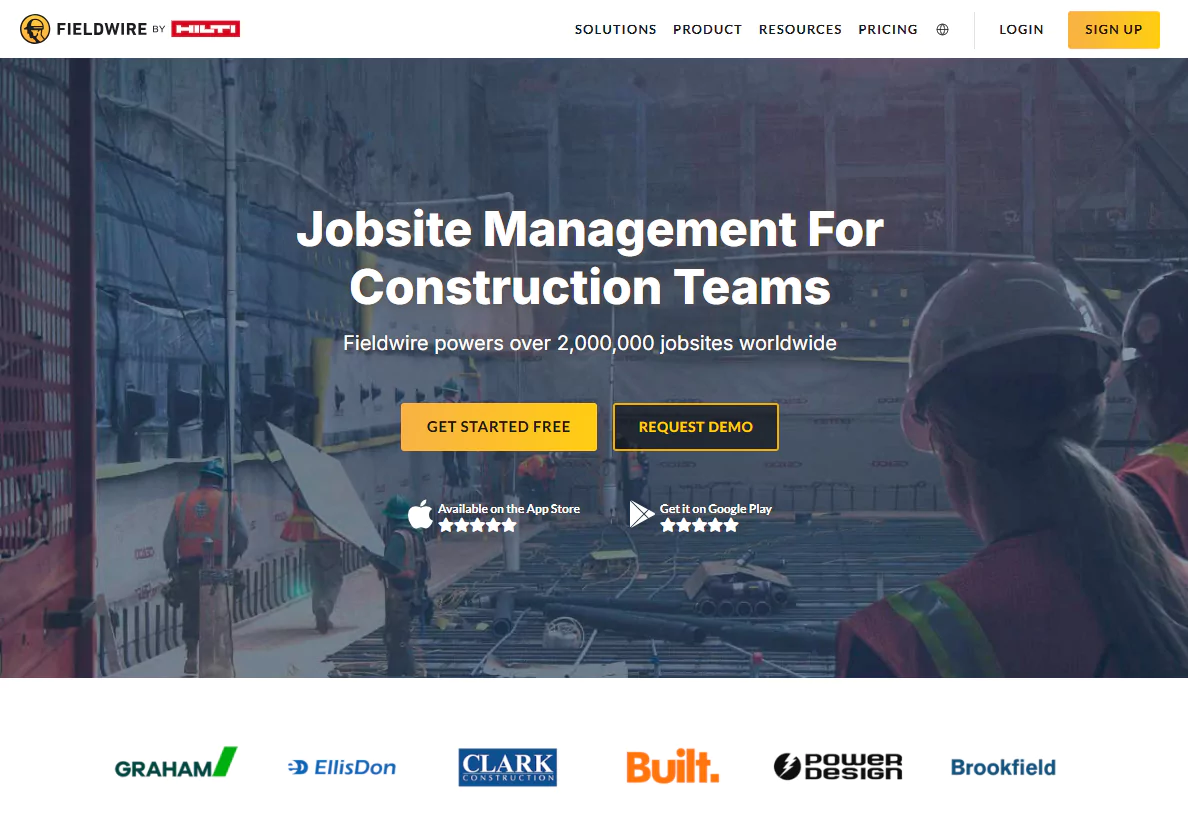
Best For: Subcontractors and Field Teams
Key Features:
Pricing: Free plan available. Paid plans start at $39/user/month
Mobile App: Yes
👍 Pros:
👎 Cons:
✅ Pro Tip:
Fieldwire is great for electricians, plumbers, and site managers who need real-time updates on tasks.
🧠 Expert Insight:
“Fieldwire’s offline feature helps field workers stay productive without needing constant Wi-Fi.” — Construction Tech Review, 2026
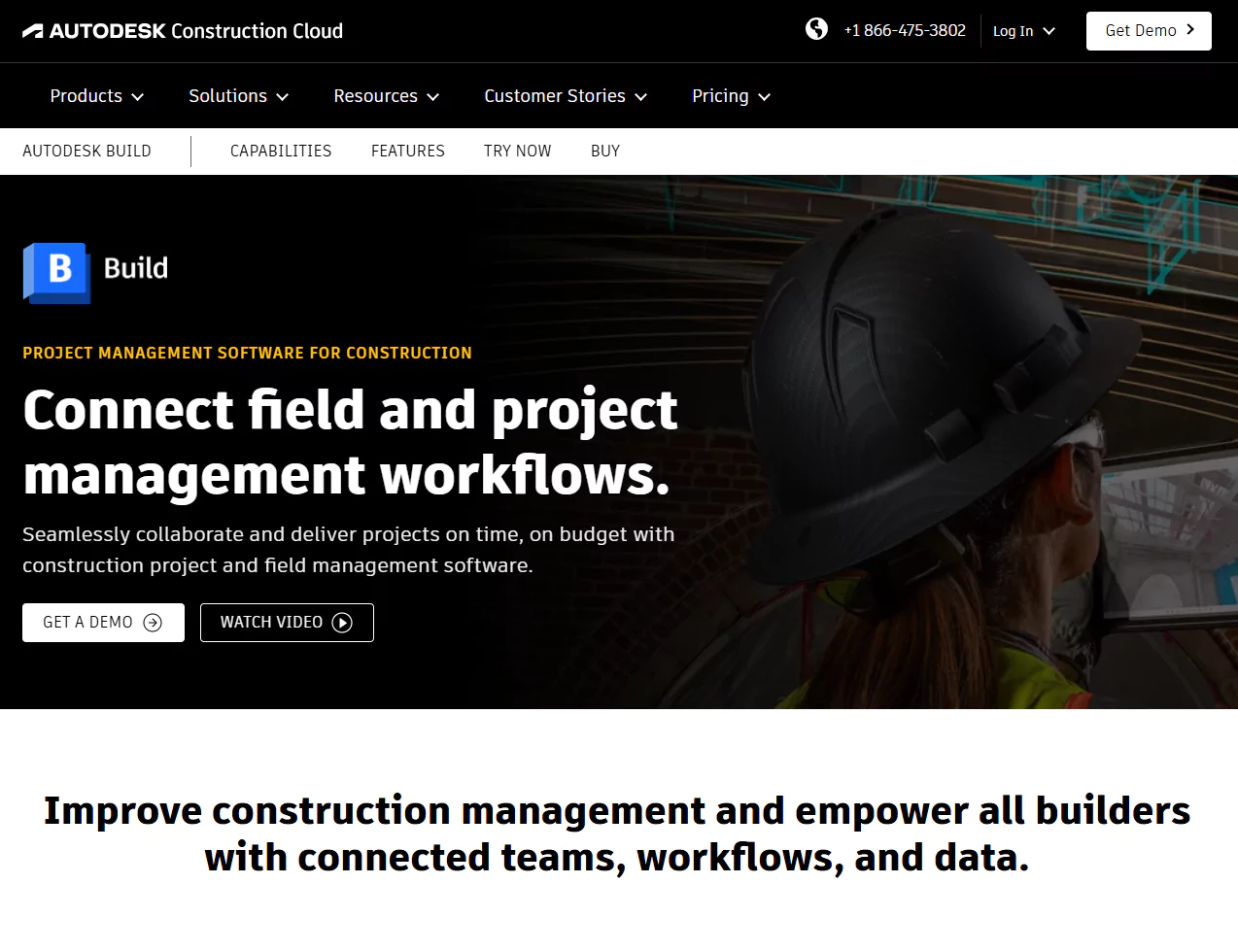
Best For: Large Construction Companies Using BIM
Key Features:
Pricing: Custom pricing
Mobile App: Yes
👍 Pros:
👎 Cons:
🧠 Expert Insight:
“Autodesk Build is ideal for companies managing big commercial or infrastructure projects using BIM.” — ArchDaily Tech Editors, 2026
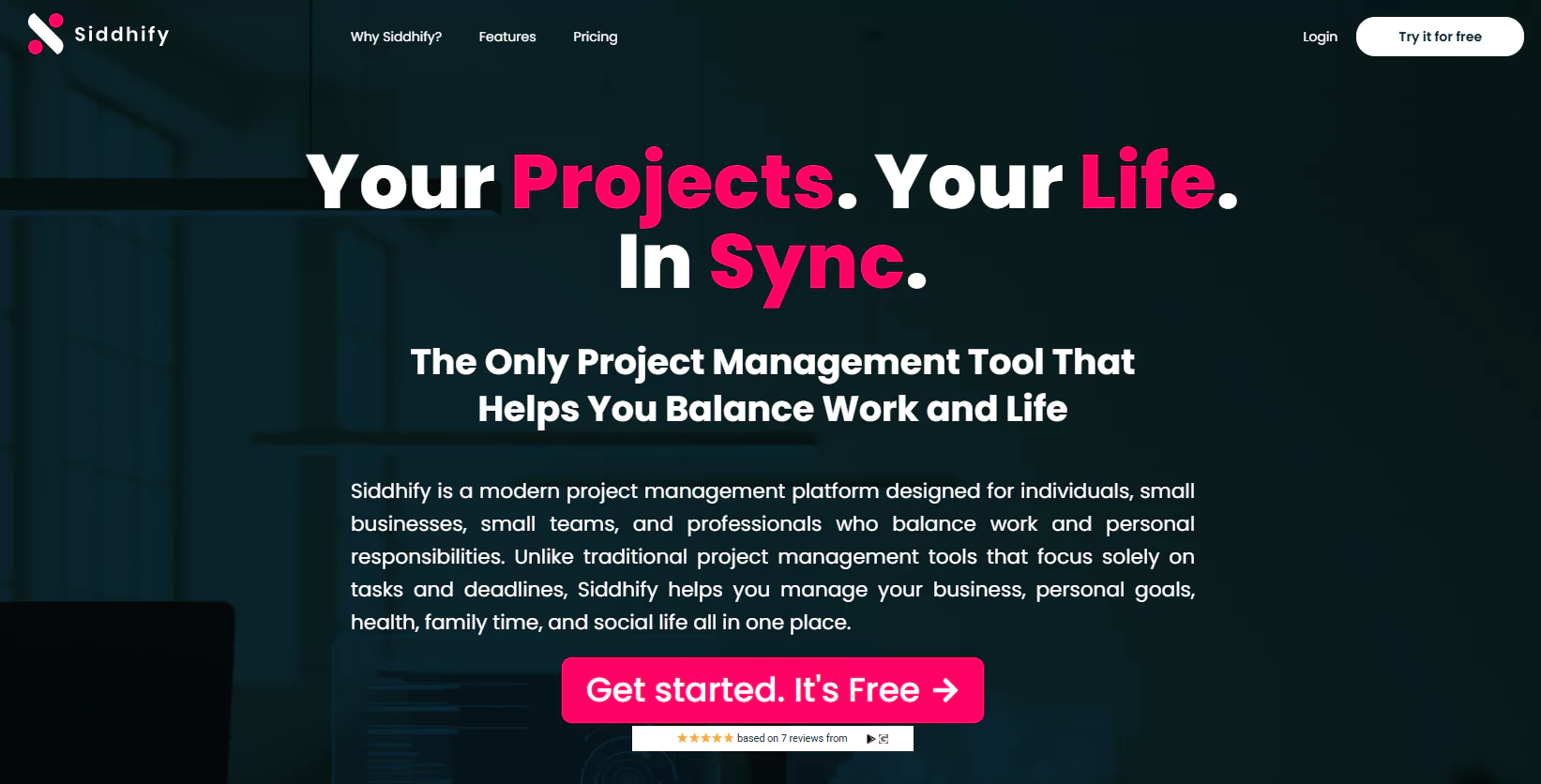
Best For: Balanced Project and Life Management for Contractors
Key Features:
Pricing: Free trial available. Paid plans from $12/user/month
Mobile App: Yes
👍 Pros:
👎 Cons:
✅ Pro Tip:
Siddhify works well if you want to manage your jobs and your health, time with kids, and family life, all in one tool.
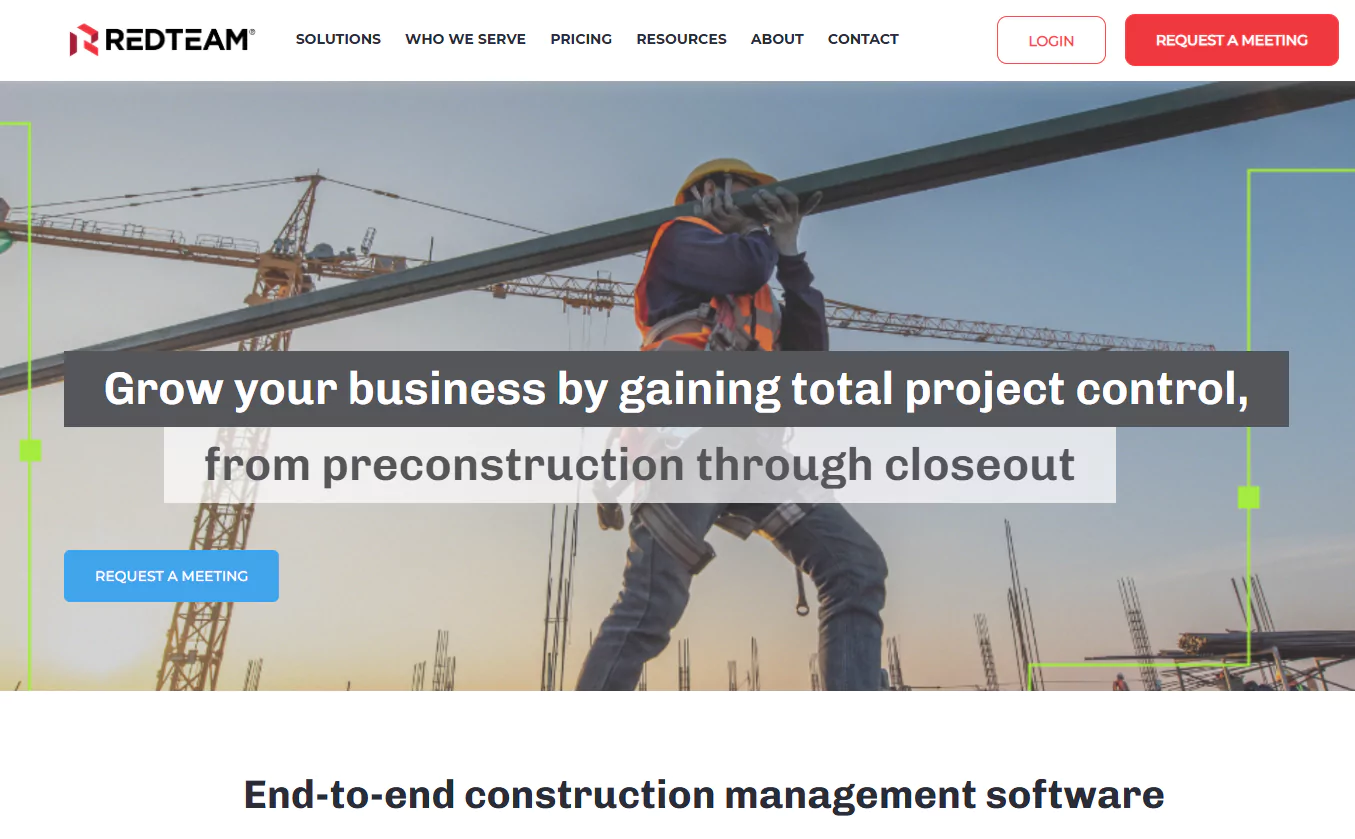
Best For: Mid-Sized Commercial Contractors
Key Features:
Pricing: Starts around $395/month
Mobile App: Yes
👍 Pros:
👎 Cons:
🧠 Expert Note:
“RedTeam shines in managing contracts, budgets, and change orders all in one spot.” — Construction Executive Magazine, 2024
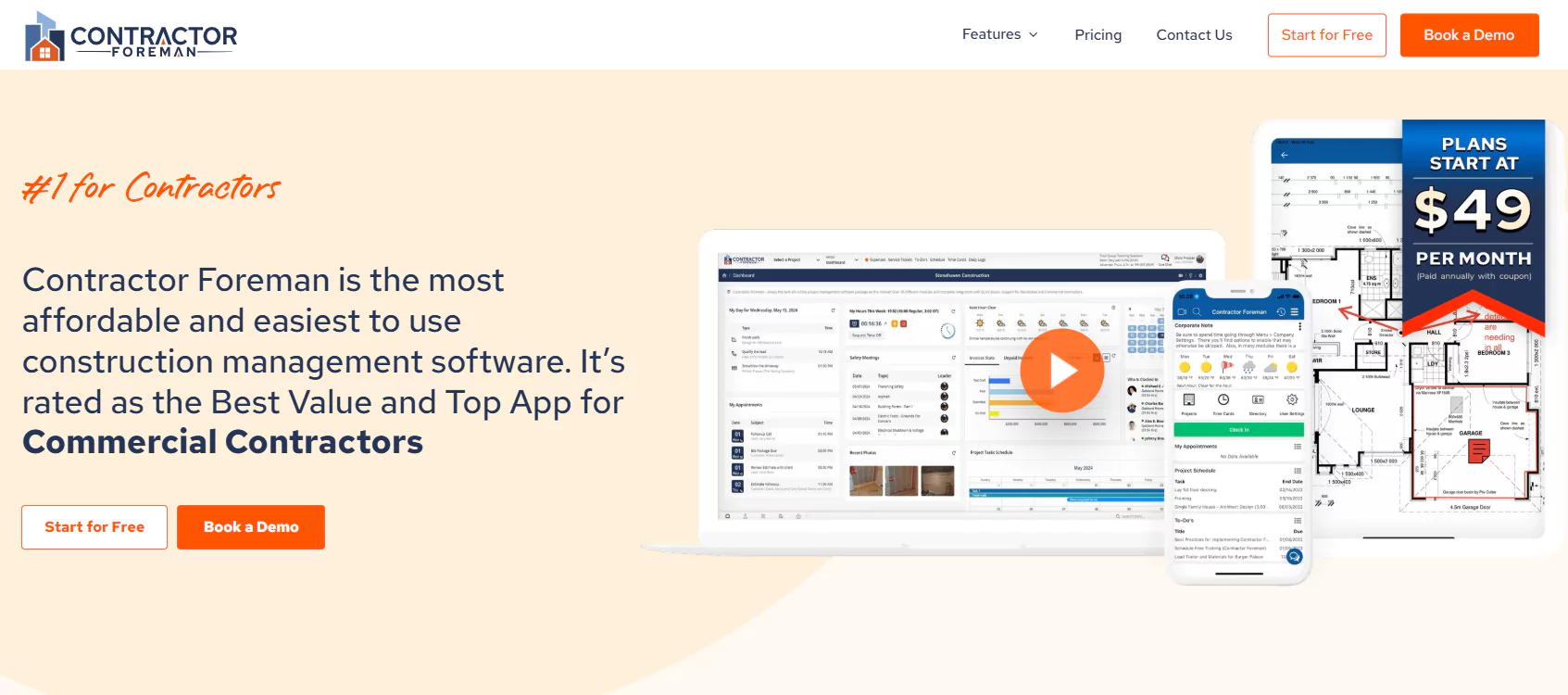
Best For: Budget-Conscious Small Contractors
Key Features:
Pricing: Starts at $49/month (no per-user fee)
Mobile App: Yes
👍 Pros:
👎 Cons:
✅ Pro Tip:
This is one of the best tools for teams under 10 who want everything in one place without paying per user.
Here’s a clean, easy-to-read comparison table for the 10 construction project management tools, highlighting key features, pricing, best fit, and mobile app availability:
|
Tool |
Best For |
Key Features |
Pricing (Starting) |
Mobile App |
Pros |
Cons |
|
Procore |
Large companies, commercial |
Project & financial management, BIM, safety |
Custom pricing |
Yes |
Powerful, scalable, industry leader |
Expensive, complex setup |
|
Buildertrend |
Residential builders, remodelers |
Scheduling, client communication, budgeting |
$99/month + per user |
Yes |
Easy client management |
Can get pricey with users |
|
CoConstruct |
Custom home builders |
Estimating, budgeting, client portals |
Custom pricing |
Yes |
Tailored for custom builders |
Price not transparent |
|
Houzz Pro |
Small contractors, remodelers |
CRM, marketing, estimating |
$49/month |
Yes |
Great for marketing + CRM |
Limited heavy PM features |
|
Fieldwire |
Subcontractors, field teams |
Task tracking, plan viewing, offline mode |
Free; Paid from $39/user |
Yes |
Easy for field use, offline access |
Limited budgeting |
|
Autodesk Build |
Large projects, BIM users |
BIM integration, cost controls, RFI tracking |
Custom pricing |
Yes |
Deep BIM features |
Expensive, complex |
|
Siddhify |
Small teams, work-life balance |
Task + life management, finance, wellness |
$12/user/month |
Yes |
Balances work + personal life |
Not construction-specific |
|
RedTeam |
Mid-sized contractors |
Contracts, cost tracking, CRM |
~$395/month |
Yes |
Full lifecycle management |
Dated interface |
|
Contractor Foreman |
Budget-conscious small teams |
Time tracking, estimating, safety |
$49/month (no per user) |
Yes |
Affordable, all-in-one |
Limited integrations |
|
Houzz Pro |
Small contractors & remodelers |
CRM, marketing, estimating |
$49/month |
Yes |
Marketing & client focus |
PM features limited |
The construction industry is changing fast. Here are key software trends to watch:
Apps that work on phones and tablets are now essential. On-site teams need updates fast.
📊 Stat: 77% of construction teams use mobile apps daily.
AI helps predict delays, adjust timelines, and manage materials automatically.
🧠 Expert Insight:
“AI reduces delays by 20% on average.” — McKinsey Construction Report, 2025
More companies now use 3D models (BIM) and “digital twins” to track progress and avoid mistakes.
Tools like Siddhify help contractors manage mental health, reduce burnout, and stay organized beyond the job.
🧠 Expert Opinion:
“Burnout is real in construction. Tools that combine task + life management are the future.” — Dr. Jordan Klein, Occupational Health Expert
Here are common ways real teams use these tools:
|
Situation |
Tool(s) to Use |
Why It Works |
|
Keeping subcontractors on task |
Fieldwire, Procore |
Task tracking + mobile updates |
|
Managing clients and contracts |
Buildertrend, CoConstruct |
CRM + selection tools |
|
Running small teams on a budget |
Contractor Foreman, Houzz |
Simple tools, no per-user pricing |
|
Tracking job + family life |
Siddhify |
Combines job, family, and health |
|
Needing full 3D BIM support |
Autodesk Build, Procore |
BIM, models, and document control |
Buildertrend or CoConstruct are the best options. They include homeowner communication, estimates, and schedules.
Contractor Foreman offers the best value with flat pricing.
Siddhify stands out for mixing work and life planning (like family tasks, wellness, etc.).
Most tools on this list have strong mobile apps. Always test before you commit.
Construction is busy. You don’t need more headaches.
The right project management software can save time, money, and stress.
Choose based on your size, needs, and budget.
Here’s a quick summary:
Siddhify isn’t just another task manager. It’s your all-in-one hub to manage construction projects, track finances, and stay on top of personal goals, all in one place.
🎯 Designed for builders, business owners, and busy teams who want real results without burnout.
👉 Start your free plan today and see how Siddhify helps you get more done, at work and in life.
Top 10 Construction Project Management Software Tools for 2026
Join thousands of entrepreneurs and professionals managing their work and life in one place — with the motivational power of gamification built right in.
⚡ Try Siddhify Free TodayNo credit card required · Set up in minutes